Your way into RAMSMP.
Java or Bedrock? Find your server address, connection steps, and the Europe address in one place.
Get connected RAMSMPLet’s play
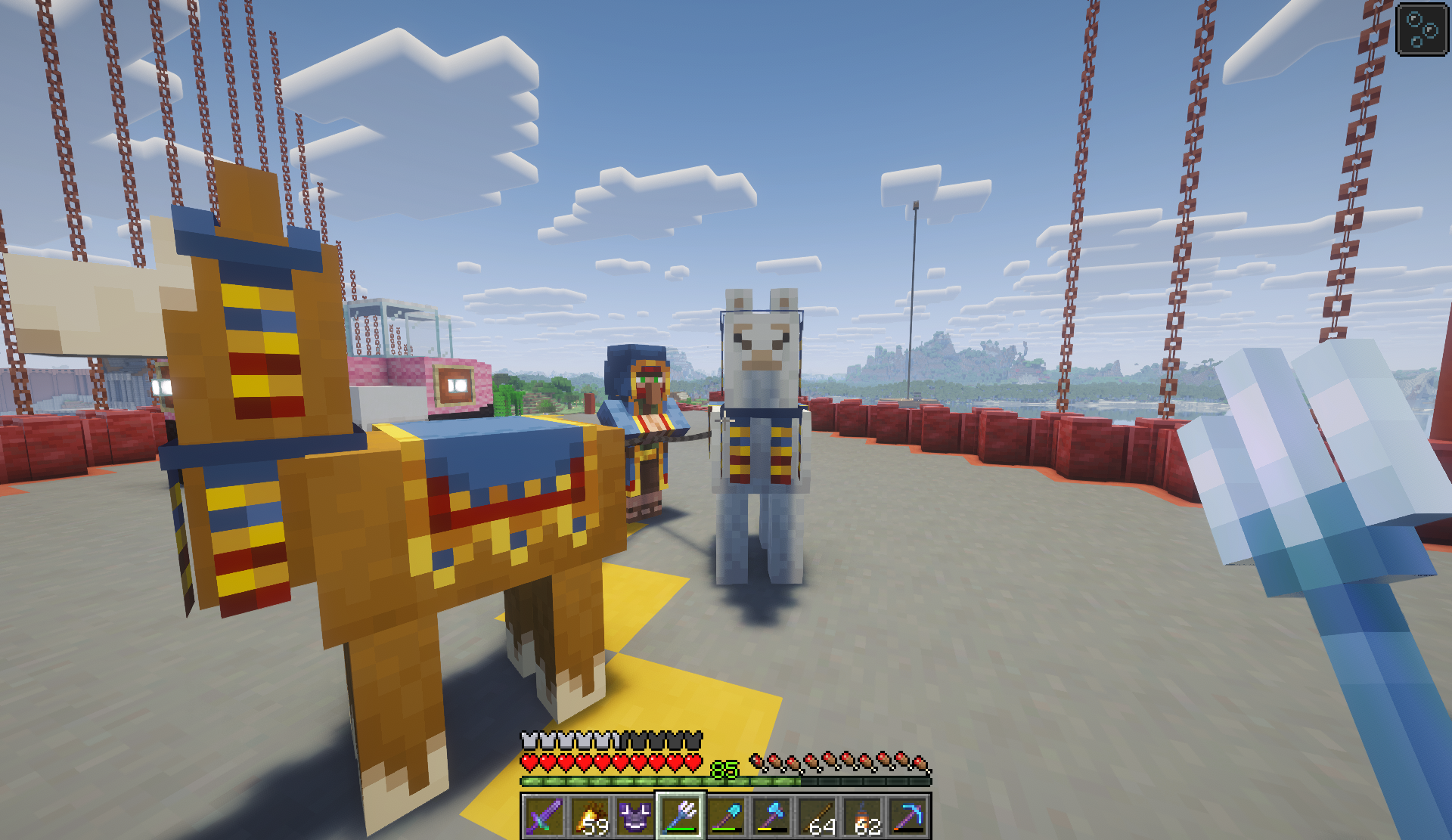
▪ A MINECRAFT WORLD. YOUR NEXT CHAPTER.
A place to put down roots, build something of your own,
and make a few stories along the way.
01 / GET CONNECTED
Pick your edition, grab the address,
and we’ll see you in game.
✦ New beginnings. Endless possibilities.
02 / THE NOTICEBOARD
The next chapter, as it happens.
Java or Bedrock? Find your server address, connection steps, and the Europe address in one place.
Get connectedMORE TO COME
Server news, changes, and community updates will find a home right here.
THE NOTICEBOARD IS JUST GETTING STARTED03 / MADE OF MOMENTS
Big builds. Small moments. Your stories.
THE COMMUNITY SPOTLIGHT
A home for player creations, ambitious projects, and those “you had to be there” moments.
More player showcases coming soon.THE PEOPLE BEHIND THE SERVER
A few familiar faces to look out for.

MAIN STAFF
MAIN STAFF

MAIN STAFF

MAIN STAFF

MAIN STAFF
MAIN STAFF
MAIN STAFF
FROM FIRST JOIN TO FIRST BASE
Homes, teleports, teams, and protected land. Start with these six steps, then explore the full guide whenever you need a command.
Type /menu. On Bedrock, /servermenu works too.
Choose Random Teleport, then confirm to explore.
Stand in your chosen chunk and run /p claim.
Run /p borders to see the edge of your land.
Open Homes → Set a Home in /menu and confirm.
Use /p trust PlayerName to share your personal land.
A home saves a location. A claim protects land. Team membership gives access to team land only. Personal land uses its own trust list.
04 / BEFORE YOU HOP IN
Less guessing. More playing.
Choose your edition in the connection section above. In Java, use Multiplayer → Add Server and enter play.ramsmp.net. In Bedrock, add bedrock.ramsmp.net with port 443 where your device supports external servers.
RAMSMP has addresses for both editions. Java players use play.ramsmp.net or ramsmp.net. Bedrock players use bedrock.ramsmp.net, port 443, on version 26.3.
Java players in Europe can use eu.ramsmp.net. The main Java addresses are play.ramsmp.net and ramsmp.net.
The listed Bedrock version is 26.3. The supported Java version has not been listed here yet.
Check the noticeboard for server posts and Around RAMSMP for community screenshots and creations. More posts will be added as the site grows.
SEE YOU ON THE OTHER SIDE.